





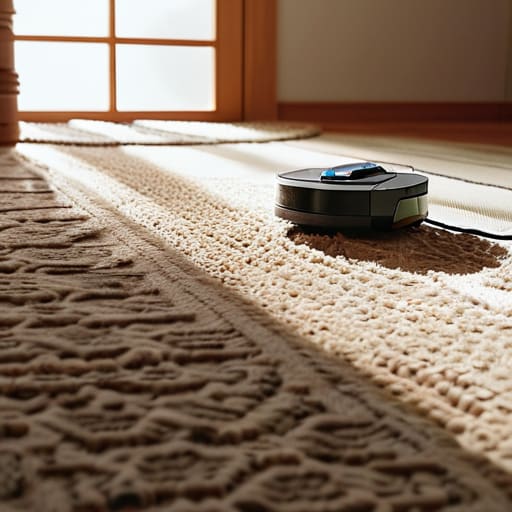

I’ve spent eighteen years elbow-deep in the guts of washing machines and vacuums, and if there’s one thing I’ve learned, it’s that people love to blame “technology” when the real culprit is just a bit of neglect. I see it all the time: someone buys a top-of-the-line smart cleaner, it gets stuck on a stray rug or a loose charging cable, and suddenly they’re convinced the whole thing is a piece of junk. Everyone is so quick to write off the hardware, but when you actually look at robot vacuums and their limits, you realize most of the “failures” are just predictable physics. It’s rarely a dead motor; it’s usually just a sensor covered in dust or a brush roll choked with hair that someone was too busy to clear out.
I’m not here to sell you on the glossy marketing brochures or tell you that these little bots are going to do your housework for you. What I am going to do is give you the straight truth based on what I see when I’m actually opening these machines up. I’ll show you where they actually struggle and, more importantly, how to keep them running so you don’t end up throwing a perfectly good machine in the skip just because it hit a door threshold.
Understanding Robot Vacuums and Their Limits
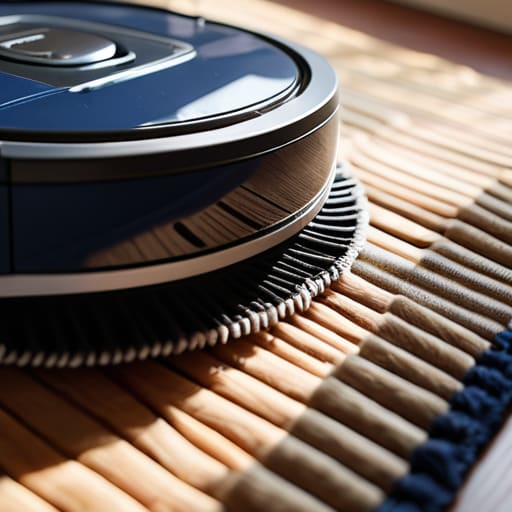
Look, these little machines aren’t magic, no matter what the glossy adverts tell you. I’ve spent plenty of afternoons squinting at the underside of these things, and the truth is, they’re essentially just tiny, motorized pucks trying to make sense of a world they weren’t built for. The biggest issue I see isn’t a dying motor; it’s sensor accuracy in robot vacuums failing the moment they hit a bit of real-world chaos. If you’ve got a house with thick rugs, stray charging cables, or even just a particularly dark floor, the machine starts to struggle. It isn’t “broken”—it’s just hitting its programmed ceiling.
You also have to get realistic about what they can actually lift. People call me complaining that their machine isn’t picking up everything, but there are inherent robot vacuum suction power constraints that no software update can fix. They are designed for surface maintenance, not deep-cleaning a workshop floor. They’re great for keeping the dust down between big cleans, but expecting them to tackle heavy debris is like asking a toddler to mow the lawn. It’s not a fault in the build; it’s just the nature of the beast.
Key Things to Know
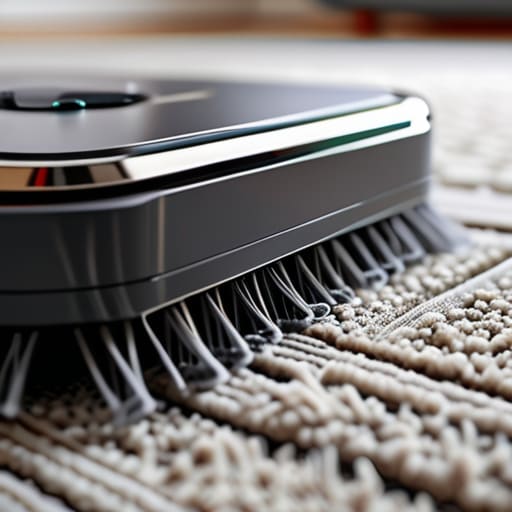
First off, don’t expect these little things to be magic. Most people call me because their machine “died,” but usually, it’s just a case of sensor accuracy in robot vacuums being thrown off by a bit of dust or a stray rug fringe. If the sensors are coated in grime, the bot starts bumping into walls like it’s had one too many at the pub. It isn’t a mechanical failure; it’s just a machine that’s gone blind.
You also need to get realistic about floor type compatibility. I’ve seen plenty of people try to run a mid-range bot through thick, shaggy carpets, only to wonder why the motor is whining. There are genuine robot vacuum suction power constraints to consider here. They aren’t designed to pull deep-seated grit out of a high-pile rug the way a proper upright does. They’re meant for the daily surface sweep, not a deep spring clean. If you treat them like a heavy-duty workshop vacuum, you’re going to end up with a burnt-out motor and a very expensive paperweight.
Practical Tips and Steps
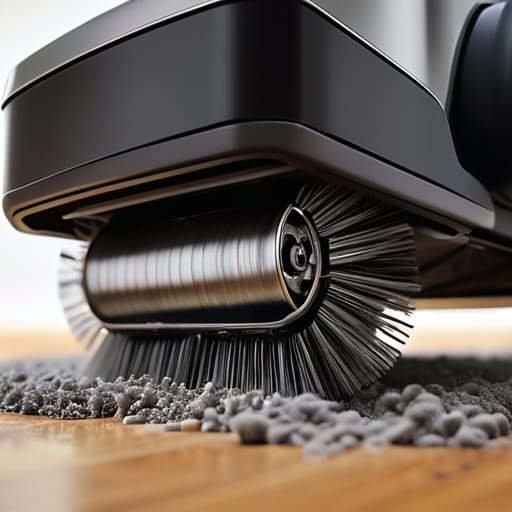
If you want these things to actually last, you’ve got to stop treating them like magic wands and start treating them like tools. The biggest mistake I see is people letting the dust build up until the machine is gasping for air. If you notice a drop in performance, don’t assume the motor is shot; check the brushes and the bin first. Most of the time, you’re just dealing with robot vacuum suction power constraints caused by a simple clog or a hair-tangled roller. It takes five minutes of cleaning to save you a hundred-pound repair bill.
You also need to be realistic about where you let them roam. I’ve seen plenty of folks get frustrated by smart vacuum navigation challenges, but you can’t blame the software for a thick rug or a stray charging cable. If you have high-pile carpets, don’t expect miracles; floor type compatibility is a real thing, and some machines just aren’t built for heavy textures. Clear the floor of small objects before you hit start. It’s not about the tech being “broken,” it’s about giving the machine a fighting chance to do its job without getting stuck in a corner.
Common Mistakes to Avoid
The biggest mistake I see is people treating these machines like they’re magic. They set them loose and act surprised when the bot gets stuck on a loose rug or a stray charging cable. Most people don’t realise that obstacle avoidance technology isn’t perfect; it’s just a set of sensors trying to make sense of a messy room. If you leave your floor looking like a teenager’s bedroom, don’t blame the motor when it ends up wedged under the sofa.
Another one is neglecting the basics of maintenance. I’ve seen plenty of folks complaining about a drop in performance, only to find the brushes are choked with hair or the bin is packed tight. People often mistake a dirty sensor for a hardware failure. If the sensor accuracy in robot vacuums starts to slip, it’s usually just because there’s a layer of fine dust obscuring the “eyes.” Clean the sensors and clear the hair out of the rollers, and half your “broken” machine problems will simply vanish.
Final Thoughts
Look, I’m not saying these little machines are useless, but they aren’t magic. After eighteen years of pulling apart motors and clearing out gunked-up tubes, I’ve learned that the most expensive piece of tech in your house is still no match for a stray charging cable or a thick rug. Most of the frustration people feel comes down to automated cleaning limitations that the marketing brochures conveniently leave out. They want you to think it’s “set and forget,” but if you aren’t prepared to do a bit of prep work, you’re just buying an expensive paperweight.
If you want one to actually last, stop treating it like a miracle worker and start treating it like a tool. Pay attention to the sensor accuracy in robot vacuums; if they’re getting lost or bumping into everything, it’s usually because they need a quick wipe with a dry cloth, not a new motherboard. Don’t expect them to replace a proper deep clean, either. They are great for the daily upkeep, but they’ll never replace a human with a real vacuum and a bit of common sense.
Five ways to stop treating your robot like a miracle worker
- Stop expecting it to do the heavy lifting. These things aren’t meant to replace a deep clean; they’re meant to manage the surface dust between your actual vacuum sessions. If you leave a thick layer of grit on the floor, you’re just asking for a motor burnout.
- Watch the hair. I’ve pulled enough tangled clumps out of brush rolls to fill a bin, and it’s usually the same story: long hair wraps around the axle until the motor starts straining. If you aren’t checking the rollers every few days, you’re asking for a repair bill.
- Clear the “obstacle course.” I see people leave charging cables, loose socks, and those tiny doll accessories everywhere. A robot isn’t a genius; it’s a machine following a sensor. If it gets stuck on a rogue shoelace, it isn’t broken, it’s just doing what it was told.
- Respect the thresholds. If you’ve got those thick, shaggy rugs or high door sills, don’t be surprised when the bot gives up the ghost halfway through the room. They have limits on how much they can climb, and forcing them to try usually just strips the drive gears.
- Clean the sensors, not just the bin. People are great at emptying the dust cup, but they completely forget the little “eyes” on the bottom and sides. A bit of dust on a cliff sensor makes the machine think it’s about to fall off a ledge, and suddenly your expensive tech is just sitting there, spinning in circles.
The bottom line
Most “broken” robots are just choking on a stray sock or a clump of hair; before you bin it, check the brushes and the filter.
Don’t expect a miracle worker; these machines are for maintenance, not for cleaning up a disaster zone or navigating a house full of clutter.
Treat the sensors and the brushes with a bit of respect, keep them clean, and they’ll actually last more than a single season.
A Bit of Common Sense
At the end of the day, these little machines aren’t magic; they’re just tools with specific boundaries. If you’ve listened to me, you know that most of the “failures” people call when they ring me up are actually just a matter of neglect. Between the hair tangles in the brush roll, the sensors getting clouded by dust, and the inevitable blockage in the suction path, most of these bots are crying out for a bit of maintenance rather than a replacement. If you keep the filters clean and don’t expect them to navigate a minefield of loose cables and thick shag rugs, they’ll serve you well. It’s rarely a broken motor that ends a robot vacuum’s life; it’s usually just a clogged hose and a lack of basic care.
Don’t let the marketing hype convince you that you need the most expensive model on the market to get a clean floor. A machine is only as good as the person looking after it. I’ve spent eighteen years pulling apart everything from heavy-duty washers to these tiny bots, and the lesson is always the same: respect the mechanics. If you treat your tech with a bit of practical attention, you’ll find you don’t need to be throwing money at the problem every two years. Take five minutes once a week to clear the debris, and you’ll save yourself a lot of unnecessary headache and a lot of wasted cash.
Frequently Asked Questions
If the brushes are getting tangled in hair every single day, is it a bad machine or just a sign I need to clean it more often?
It’s rarely a bad machine; it’s just physics. If you’ve got long hair or pets in the house, those brushes are going to act like a comb. It doesn’t mean the motor is failing, it just means you’re doing the work the machine can’t. I’ve seen plenty of “broken” vacuums that were actually just choked with hair. Clean the brush roll every few days and stop worrying about the hardware.
Can I actually fix a battery that won't hold a charge myself, or is that one of those parts that makes the whole thing scrap heap material?
Look, I’ll be straight with you: you can’t “fix” a dead battery cell any more than you can fix a burnt-out lightbulb. Once the chemistry inside is gone, it’s gone. But don’t go tossing the whole bot in the skip just yet. Replacing the battery pack is usually just a matter of a few screws and a plug. It’s a part, not a death sentence. Buy the replacement, swap it in, and you’re back in business.
Why does mine keep getting stuck on the same rug when I know for a fact there's nothing wrong with the sensor?
It’s rarely the sensor, even if the lights say everything’s fine. Usually, it’s the pile or the edge. If that rug has a bit of a lip or a fringe, the bot’s wheels are fighting for traction rather than climbing. It thinks it’s hit a wall because the motor is drawing too much power to push over the bump. Try a bit of double-sided tape on the rug edge, or just accept that some rugs are off-limits.