





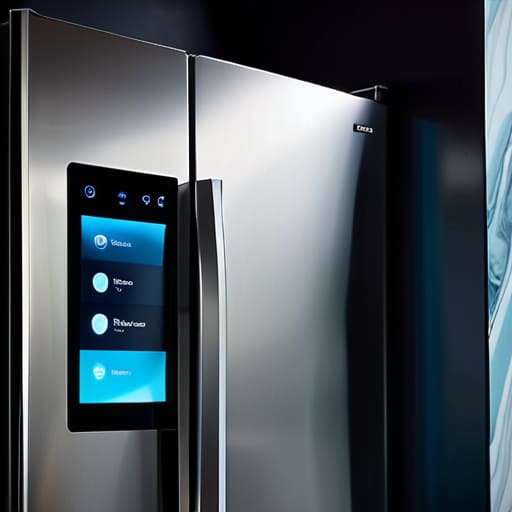

I’ve spent eighteen years elbow-deep in the guts of washing machines and vacuums, and if there’s one thing I’ve learned, it’s that a shiny touchscreen doesn’t mean a thing if the motor is rubbish. Most people see these new, internet-linked gadgets and think they’re buying the future, but they’re often just buying a more expensive way to get a headache when the Wi-Fi drops out. When you’re trying to figure out how to review a connected appliance, don’t let the glossy marketing fool you into thinking that a smartphone app is a substitute for a solid build. I’ve seen far too many “smart” machines end up in my van because a single sensor decided to go on strike, making the whole unit useless.
I’m not here to talk about megapixels or cloud integration; I’m here to tell you what actually matters when you’re looking at a spec sheet. I promise to give you the straight truth on how to review a connected appliance by focusing on the parts that actually keep your clothes clean and your house running. We’re going to look past the silicon and the fancy lights to see if the machine is actually built to last, or if it’s just another bit of junk destined for the scrap heap.
Understanding How to Review a Connected Appliance

When you’re looking at a machine that claims to be “smart,” you have to look past the shiny touchscreen and the fancy LED lights. In my experience, a washing machine isn’t much use to you if the software decides to hang halfway through a spin cycle. You need to focus on the actual smart home ecosystem compatibility—basically, does this thing actually play nice with the other bits and bobs you’ve already got in your kitchen, or is it going to be a lonely, stubborn island?
I also tend to look closely at the firmware update frequency. It sounds technical, but it’s simple: if the manufacturer stops sending updates after six months, that expensive appliance is essentially turning into a brick. You aren’t just buying a motor and a drum anymore; you’re buying a piece of software. If the company behind it is lazy with the digital side, they’ll be lazy with the hardware too. Don’t let them sell you a high-tech headache just because it has a Wi-Fi symbol on the front.
Key Things to Know
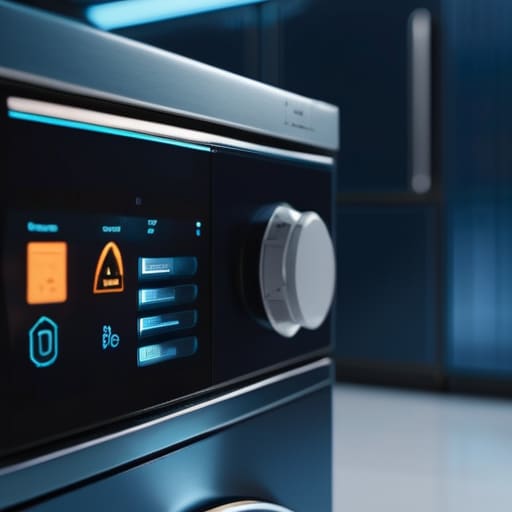
When you’re looking at a new machine, don’t get blinded by the fancy touchscreen. I’ve spent eighteen years pulling apart things that people thought were dead, and half the time, the “smart” part is just an extra way for things to go wrong. You need to look at the firmware update frequency first. If a manufacturer stops sending updates after a year, that expensive washing machine is basically a brick waiting to happen. A machine shouldn’t need a software patch just to spin a drum, but if it does, you want to know those patches are actually coming.
You also have to consider how the thing plays with others. I’m not interested in a fridge that only talks to its own brand; I want to know about its smart home ecosystem compatibility. If it won’t talk to the rest of your setup, it’s just another isolated gadget taking up space. Lastly, keep an eye on the app user interface evaluation. If the app is a nightmare to navigate, you’ll end up hating the machine, no matter how well it cleans your clothes. It’s about practical use, not just showing off.
Practical Tips and Steps
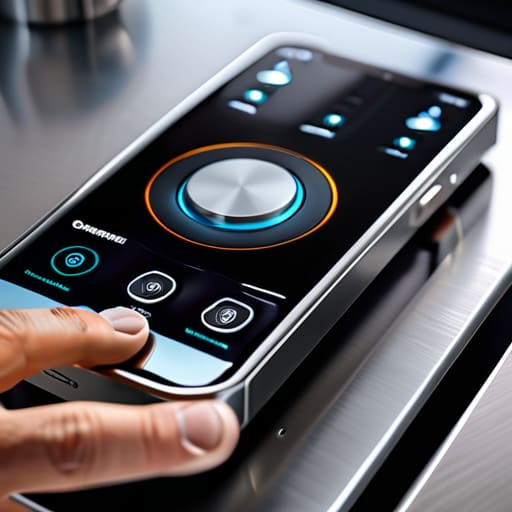
First, don’t let the fancy touchscreen distract you from the basics. When I’m looking at a new machine, I start with the physical reality. If the door seal feels flimsy or the buttons are mushy, no amount of software is going to save it. Once you’ve cleared the mechanical hurdles, you need to get into the digital grit. I always suggest a bit of IoT device connectivity testing right out of the box. Don’t just see if it connects to your Wi-Fi; see how it behaves when the signal isn’t perfect. If it takes five minutes just to acknowledge a command, you’re going to lose your patience by month three.
Next, pull up the app and actually use it. A lot of these manufacturers spend all their money on the hardware and nothing on the app user interface evaluation. If the software is clunky, unintuitive, or crashes every time you try to set a delay start, it’s a dealbreaker. You want a system that works with what you already have, checking for smart home ecosystem compatibility so you aren’t trapped in a walled garden. A machine should make your life easier, not give you a second job as an IT consultant.
Common Mistakes to Avoid
The biggest blunder I see people making is getting blinded by the shiny screen on the front of a machine and forgetting the actual hardware. They’ll spend an hour raving about how pretty the app looks, but they completely skip a proper app user interface evaluation to see if it actually works when the Wi-Fi drops out. If the machine can’t perform its basic job—like spinning a load of laundry—because it’s waiting for a signal from a server halfway across the world, then it’s not a smart appliance; it’s just a very expensive paperweight.
Another mistake is ignoring what happens after the honeymoon phase ends. I’ve seen too many people buy into a brand because it fits their current setup, without checking the smart home ecosystem compatibility for the long haul. You don’t want to find out two years down the line that your washing machine won’t talk to your phone anymore because the manufacturer decided to stop supporting the software. Always check the firmware update frequency before you commit. If they aren’t planning to patch the software regularly, you’re essentially buying a machine that’s designed to become obsolete.
Final Thoughts
At the end of the day, don’t let the fancy screens and the Wi-Fi symbols distract you from what the machine is actually supposed to do. A washing machine that connects to your phone is a bit of a marvel, but it’s still a washing machine first. If the drum doesn’t spin or the seal leaks, I don’t care how many notifications it sends to your watch. When you’re looking at these new models, make sure you’re doing a proper app user interface evaluation to ensure it isn’t a nightmare to use once the novelty wears off.
I’ve seen too many people get caught out by a machine that works beautifully until the manufacturer decides to stop supporting the software. Keep an eye on the firmware update frequency; you want a company that actually maintains their tech, not one that leaves you with a very expensive, very dumb brick in three years. If you can get the mechanical basics right and ensure the tech actually adds value rather than just more things to break, you’ll be ahead of most. Just remember: keep it simple and make sure it can actually do the job.
Five things I look for when a machine claims to be "smart"
- Don’t get distracted by the shiny screen. A washing machine that connects to your Wi-Fi but struggles to spin a heavy load of towels is just a very expensive, very loud paperweight. Check the mechanical basics first.
- Look at how much the software relies on the hardware. If the machine won’t let you start a simple rinse cycle because the app is updating or the cloud server is down, it’s not “smart”—it’s broken by design.
- Check for “repairability” in the digital sense. If the manufacturer locks the machine behind a proprietary software wall that prevents any technician from running a diagnostic, you aren’t buying an appliance; you’re renting it.
- Test the notification system without being annoyed. A smart fridge that pings your phone every time the door seal settles slightly is a nuisance, not a feature. It should tell you when something is actually wrong, like a failing compressor.
- See if the “smart” features actually solve a problem or just add a step. If I have to open an app just to change the temperature of a dryer, that’s just one more thing that can fail or get stuck, and I’ve seen enough blocked hoses to know that simplicity is usually better.
The Bottom Line
Don’t let the fancy apps fool you; a smart washing machine is still just a machine, and if the drum doesn’t spin because of a blocked pump, the Wi-Fi won’t save it.
Look for repairability over connectivity—if you can’t get to the filters or the hoses without a degree in computer science, you’re buying a future paperweight.
Always check if the “smart” features actually solve a problem or if they’re just extra bits of silicon that will eventually fail and make the whole unit useless.
A Bit of Final Advice
At the end of the day, reviewing a connected appliance isn’t just about checking if the app looks pretty on your phone or if the Wi-Fi connects on the first try. You’ve got to look deeper than the silicon and the software. You need to ask if the smart features actually make the machine’s job easier, or if they’re just adding another layer of complexity that’ll make a repairman’s life a nightmare. Check the physical build quality, make sure the software isn’t just a way to sell you subscriptions, and always, always ask how easy it is to get to the mechanical guts when something inevitably goes wrong. A smart machine that’s impossible to service is just a very expensive paperweight in waiting.
I’ve spent eighteen years pulling lint out of filters and clearing blocked hoses, and if there’s one thing I’ve learned, it’s that the most “advanced” machine in the world is useless if it can’t handle a basic wash cycle without a software update. Don’t let the flashy marketing distract you from the fundamentals. We should be aiming for appliances that are built to last, not just built to connect. When you’re choosing your next big purchase, look for that perfect balance between clever technology and honest, sturdy engineering. If you do that, you won’t just be buying a gadget; you’ll be buying something that actually stays in your home instead of ending up in a skip.
Frequently Asked Questions
If the app stops getting updates in two years, is the machine actually broken or just "dumb" again?
It’s not broken, it’s just gone “dumb.” The motor, the drum, and the heating element don’t care about your Wi-Fi signal. If the app dies, you lose the fancy remote starts or the clever notifications, but the machine should still wash your clothes. My worry is that manufacturers make the software so central that you can’t even bypass the digital nonsense to get to the manual buttons. If you can’t run it without a signal, that’s a design flaw.
Does all this extra silicon and connectivity actually make the motor or the heating element last longer, or is it just more stuff that can fail?
Look, I’ll give it to you straight: no, a Wi-Fi chip isn’t going to make a heating element last any longer. If anything, it’s just one more circuit board to fry when there’s a power surge. A motor’s life depends on how much grit you let into the bearings, not how well it talks to your phone. All that extra silicon is just more points of failure for me to fix later.
Can I still fix the mechanical parts myself if the smart features go haywire and the manufacturer refuses to help?
You absolutely can, but you’ll have to be prepared for a bit of a fight. If the motor or the drum is fine and it’s just the sensor acting up, the mechanical guts are still there. The trouble is, these new boards are designed to lock you out. If the software refuses to talk to the hardware, you might be stuck bypasssing a chip just to get a spin cycle. It’s more nuisance than repair these days.